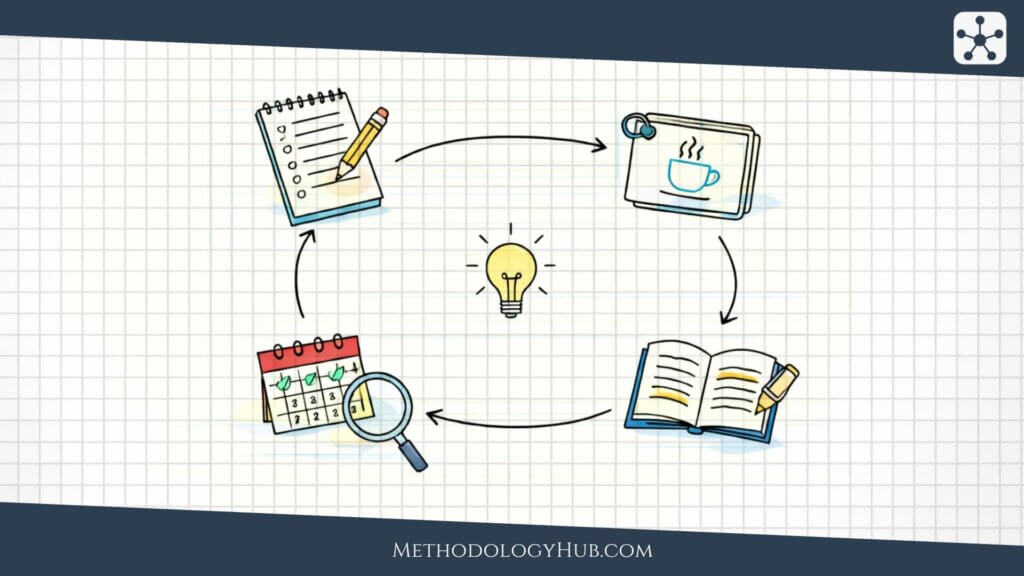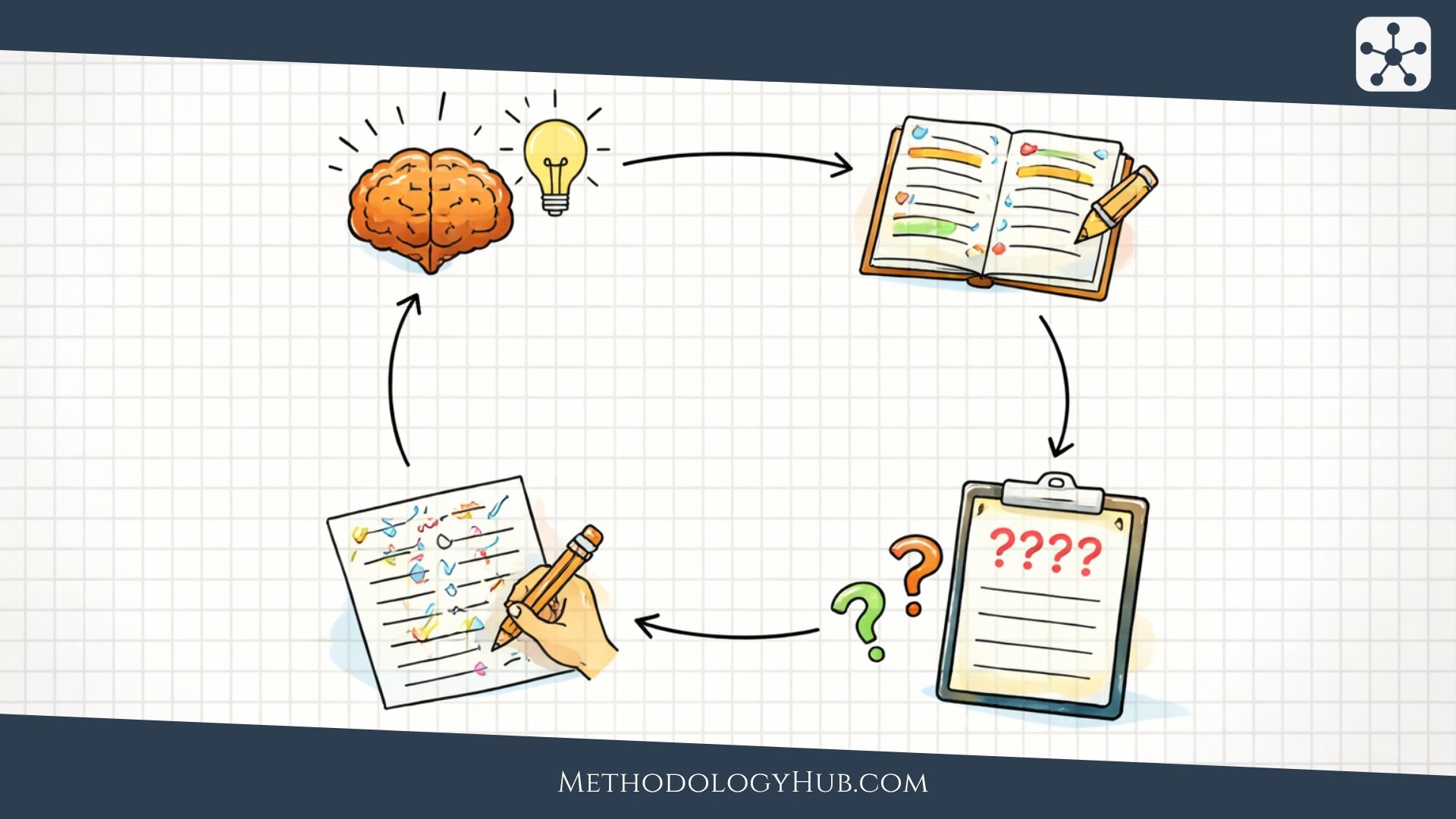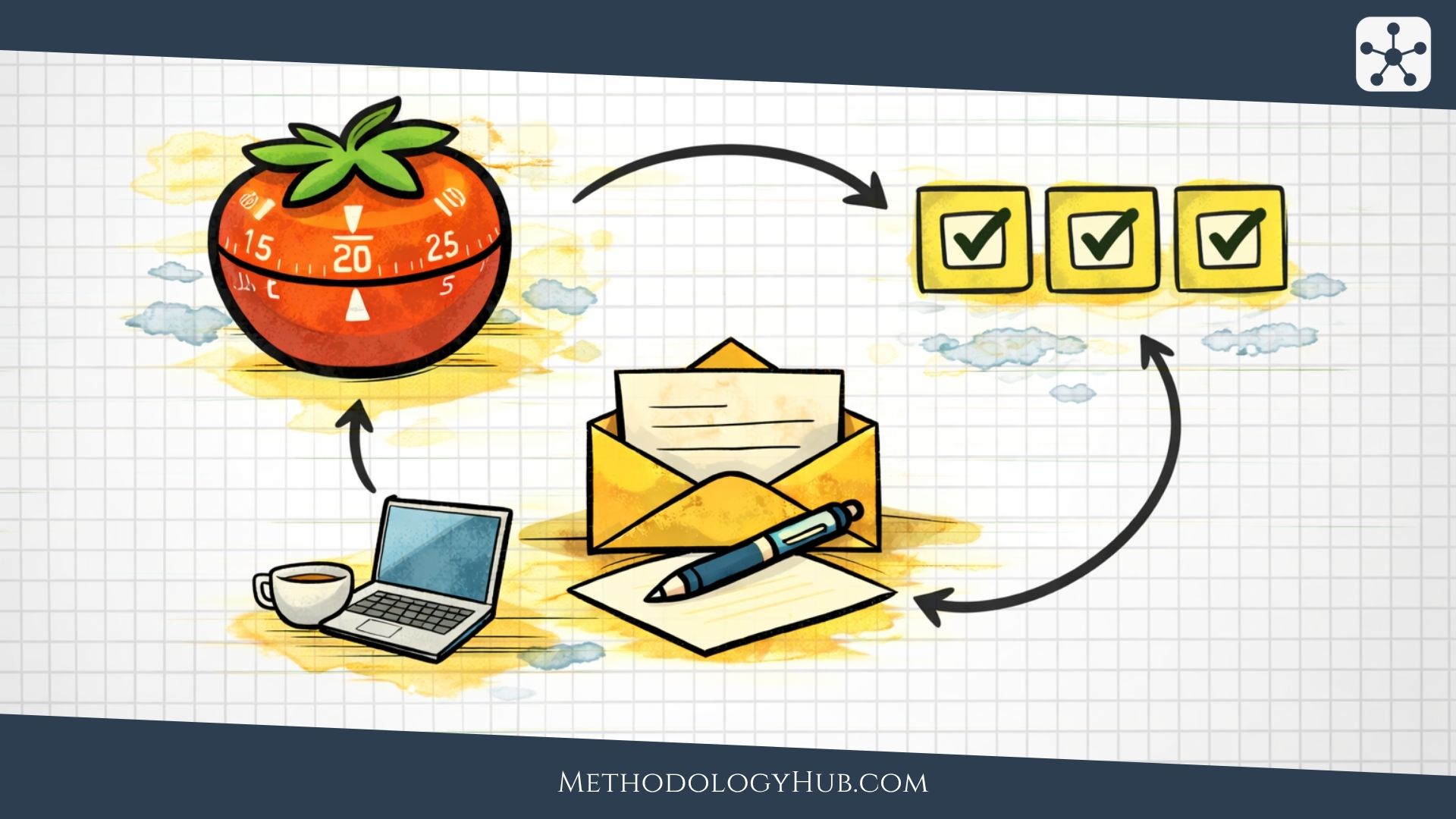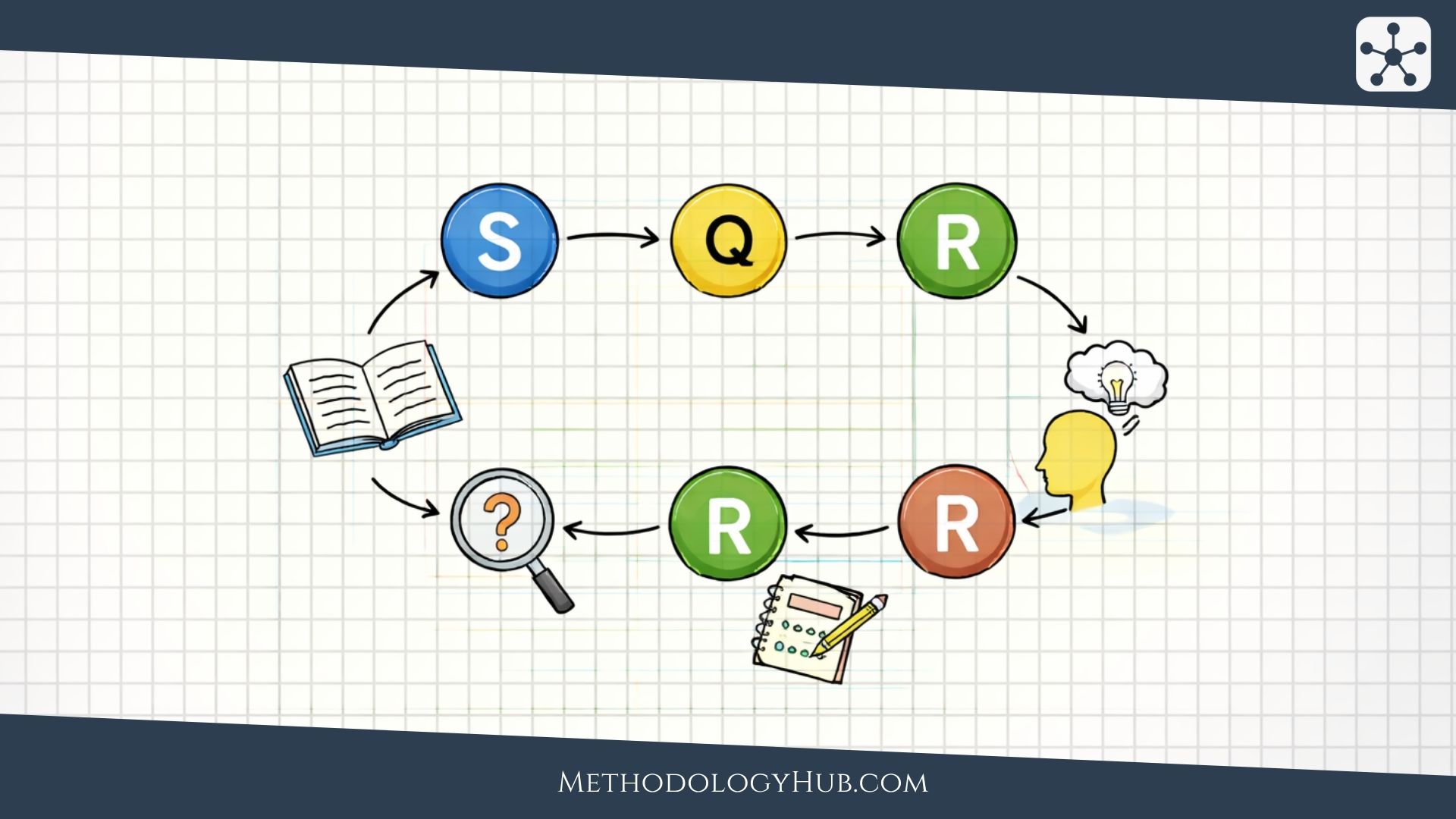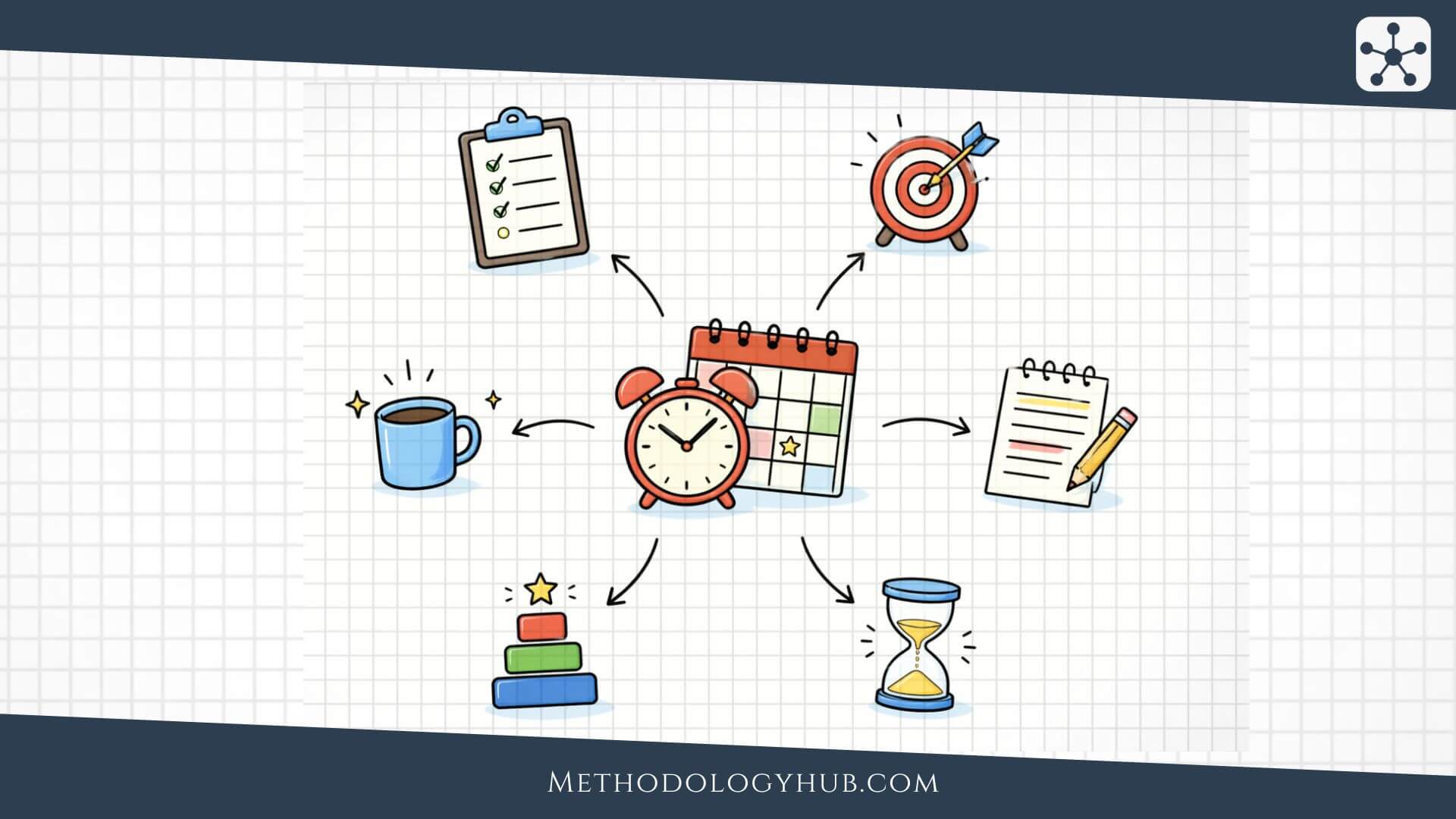
Time management strategies are the deliberate ways people plan, sort, and protect their time so important work actually gets done. A time management strategy is more than a productivity slogan or a pretty planner page. It is a practical decision about what gets attention first, what gets grouped together, what gets scheduled, what gets ignored for now, and how you stop urgent noise from eating the whole day.
This article explains what time management strategies are, how they help, where the main methods work best, where they tend to break down, and how to choose the right one for the job in front of you.
What are time management strategies?
Time management strategies are repeatable ways of deciding how your time will be used before pressure, interruption, or mood takes over. They shape what gets done first, what gets delayed, how long you stay with a task, when you switch, and how you keep small things from chewing through the day.
That matters more than people often admit. A lot of people think they have a discipline problem when the real problem is that every task arrives at the same level of importance. The inbox looks urgent. The quick message looks harmless. The meeting feels unavoidable. The difficult project can always be started later. Without a system, the day gets built out of reaction. You stay busy, but the work that needed clear thought gets pushed into leftover scraps of time.
In practice, the best systems match the kind of work you are doing. A day full of deep, difficult work needs a different structure from a day packed with calls, approvals, and admin. A student handling revision has different needs from a manager moving between meetings. A writer facing a large draft needs a different approach from someone clearing ten small operational tasks. When time management goes badly, the problem is often not laziness. It is mismatch.
It also helps to remember that time management happens on more than one level. Some strategies work at the level of the next hour. Others are better for shaping the day or the week. A useful system often includes both. You may need a broad weekly view so important work is not forgotten, and a smaller day-level method so the next session actually begins when it should.
What good time management strategies need to do
A good time management strategy does at least four jobs. It helps you decide what deserves the best part of your attention. It makes it harder for shallow urgency to outrank meaningful work. It reduces the friction involved in getting started. And it leaves enough shape in the day that you can recover when something goes wrong instead of watching the whole plan collapse.
That is why these methods are not decorative. They are not there to make you feel organised while nothing changes underneath. They change how decisions are made while the day is still unfolding. Without a strategy, people usually drift into one of two weak habits. They either treat everything as equally pressing and stay scattered, or they build overambitious plans that look tidy at 8 a.m. and are broken by noon. Neither habit creates much control.
How time management strategies help study
People often talk about time management as if the benefit is obvious. Make a list, get more done, feel better. Sometimes it works that way. Often it does not. These methods help because they turn vague intention into a series of concrete decisions while there is still time to act on them.
This matters because most days are lost in small, ordinary ways. Not through one dramatic failure, but through friction. You keep switching between tasks. You start with what is easy because it gives you quick relief. You underestimate how long hard work takes. You tell yourself you will focus after one more email, one more message, one more check-in. By late afternoon you may have worked all day and still feel oddly untouched by the work that mattered.
A stronger strategy reduces that drift by giving the day some structure. Maybe you sort tasks by importance instead of panic. Maybe you work in short focused intervals because starting feels easier that way. Maybe you place difficult work into a block before meetings spread everywhere. Maybe you batch repetitive tasks so your brain stops resetting every fifteen minutes. Whatever the method, the strategy does not create more hours. It makes better use of the ones that already exist.
There is usually an emotional benefit as well. When work is vague, people often carry it around all day as background stress. A defined plan does not remove the workload, but it can reduce the nagging feeling that everything is unfinished at once. That matters because anxiety often looks like poor time management from the outside. In reality, the two can feed each other.
Good time management is not the same as packing every minute
One common mistake is to assume that strong time management means filling the day so tightly that nothing is left open. On paper that can look impressive. In real life it often creates brittle schedules and low-grade stress. The day becomes a sequence of collisions between hope and reality. A call runs long, a task takes longer than expected, and suddenly the whole plan feels like a lie.
Good time management is not about extracting labour from every corner of the day. It is about matching time to the kind of attention the work needs. Some tasks need long unbroken stretches. Some can be done in short bursts. Some belong together. Some need to be cut, delegated, or left alone. A full calendar is not proof of control. Sometimes it is proof that nobody left room to think.
Strategies only work when they change behaviour
A time management strategy is only useful if it changes what you actually do. A person can colour-code a week and still spend most of it reacting. Someone can say they use the Eisenhower Matrix and still answer every new request the moment it lands. Another person can swear by Pomodoro and spend half of every interval checking a second screen. The value is in the behaviour, not in the label.
That is why it helps to judge a method by delayed usefulness as well as immediate comfort. At the end of the day, did the strategy protect the work that mattered? Did it make starting easier? Did it lower unnecessary switching? Did it leave you clearer about what tomorrow needs? If the answer is no, the system may have looked productive without doing much real work.
Eisenhower Matrix
The Eisenhower Matrix is one of the clearest methods for people who feel buried under competing demands. Its basic idea is simple. Not everything urgent is important, and not everything important makes noise. The method sorts tasks into four categories so you stop confusing speed with value.
The four quadrants are familiar for a reason. One group contains tasks that are urgent and important. These are the things that truly need direct attention soon. Another contains important but not urgent work. This is where planning, preparation, long-term projects, relationship maintenance, and preventive work usually sit. A third quadrant catches urgent but not important tasks, which often include interruptions, requests, approvals, and minor fires that feel louder than they deserve. The last holds tasks that are neither urgent nor important, which is where time tends to leak without leaving much behind.
What makes the Eisenhower Matrix useful is not the diagram itself. It is the forced act of sorting. Most people do not struggle because they cannot work hard. They struggle because the day arrives as one undifferentiated pile. The matrix pushes back on that. It asks you to decide what deserves immediate action, what needs to be scheduled, what can be delegated, and what should stop taking up room in your head.
This method is especially helpful for people whose days get pulled apart by incoming demands. Managers, team leads, freelancers, students near deadlines, and anyone dealing with both reactive and long-term work can benefit from it. The big win usually comes from the second quadrant – important but not urgent. That is where thoughtful work lives before it turns into a crisis. If that quadrant stays empty, life becomes a machine for manufacturing urgency.
The weakness of the Eisenhower Matrix is that it can become too abstract if you do not define tasks properly. “Work on project” is hard to place because it is vague. “Draft section two of proposal” is easier. It can also be misused by people who label everything important because admitting otherwise feels uncomfortable. When that happens, the matrix becomes a prettier to-do list rather than a decision tool.
It also helps to revisit the matrix more than once. A task can move. Something scheduled for next week may become urgent tomorrow. A request that looked important at first can shrink once you understand its real consequences. The matrix is most useful when it is treated as a live judgment exercise, not as a one-time sort that is never questioned again.
Used honestly, though, it sharpens judgment. It teaches you that saying yes to urgency all day is often the fastest way to neglect what actually matters.
Pomodoro Technique
The Pomodoro Technique is well known because it lowers the resistance involved in starting. Instead of asking for a whole heroic afternoon of concentration, it asks for one short stretch of focused work followed by a brief break. That smaller demand is often enough to get momentum moving.
The classic version uses 25 minutes of work and a 5 minute break, with a longer break after several rounds. Those exact numbers are not sacred, but the structure matters. You work on one task for one interval, stop when the timer ends, step away briefly, and then return. The technique is built on a simple observation: people often do better when focus has a clear boundary and rest is planned rather than stolen.
Pomodoro works especially well when a task feels mentally sticky. Writing the first page, revising notes, reading a dense article, clearing an awkward admin job, or starting revision after procrastinating all day can feel easier when the commitment is only one interval. It also helps people who tend to drift into distracted half-work, because the timer makes the agreement more specific. For the next 25 minutes, this is the job.
A useful way to think about it: the timer is not there to rush you. It is there to stop negotiation with yourself every two minutes.
Another strength of Pomodoro is that it exposes how long tasks actually take. A lot of work expands in the imagination because it feels amorphous. Once you start measuring effort in rounds, the task becomes less mystical. You begin to notice that outlining a report might take two rounds, editing may take three, and replying to accumulated email might take one. That makes planning more realistic over time.
The method is not perfect for everything. Some work needs longer immersion than a short interval allows. Deep technical work, difficult analysis, design work, and certain kinds of writing can be disrupted by stopping too soon. Some people also become more focused after the first twenty minutes, which means a rigid timer can interrupt the best part of the session. In those cases, the method often works better when adapted – longer intervals, fewer interruptions, or a looser version once momentum is established.
Breaks matter more than people think here. A proper break should actually interrupt the mental groove for a moment – stand up, stretch, get water, step away from the screen. If the break turns into opening another distracting task, the method quietly stops doing its job. The point is rest and reset, not swapping one source of mental noise for another.
Still, for people who struggle most with getting started or staying present, Pomodoro remains one of the most practical options because it replaces vague intention with a short, concrete agreement.
Time Blocking
Time Blocking is one of the strongest options for people whose days disappear before they have decided what the day was for. The method assigns specific stretches of time to specific kinds of work. Instead of carrying a list and hoping the right tasks somehow happen, you give work a place on the calendar before the day gets crowded.
That sounds strict, but its real value is clarity. A to-do list tells you what exists. A block tells you when it will happen. That difference matters because a list can hold twenty worthy intentions without answering the harder question of where those intentions will fit. Time Blocking forces contact with reality. If the work matters, it needs room. If there is no room, something has to change.
This method works particularly well for people balancing several kinds of effort at once – meetings, focused project work, admin, planning, exercise, study, email, household demands, or caregiving. It is also good for anyone who consistently underestimates how much time context switching costs. When deep work has a protected block, it is less likely to be eaten by scattered reactive tasks.
One important rule: a block is a container, not a fantasy. If you regularly assign ninety minutes to work that takes three hours, the system will feel broken even though the estimate was the real problem.
Time Blocking can also calm the mental noise created by too many open loops. When you know there is a defined slot for email later, it becomes easier not to nibble at it all morning. When revision has a place tomorrow at 10 a.m., it does not have to keep floating around as guilt. The block does not do the work for you, but it reduces the pressure of carrying every unfinished task in active memory.
The weakness of Time Blocking is rigidity when it is used badly. If blocks are packed back to back with no buffer, one delay can knock the rest of the schedule sideways. It can also create false confidence if you spend more time arranging blocks than respecting them. Some people build beautiful calendars that function like decorative fiction. The method only works when the blocks are realistic, flexible where necessary, and tied to real priorities rather than wishful thinking.
Some people also find that themed blocks work better than highly specific ones. A block labelled “analysis” or “writing” may survive real life better than one labelled with an unrealistically precise script. Others prefer tighter blocks because vagueness invites drift. The right level of detail depends on the person and the work, but either way the block should guide action rather than create another source of guilt.
Used well, Time Blocking is less about controlling every minute and more about deciding where attention will go before the day starts bargaining with you.
Task Batching
Task Batching is a quiet workhorse among these methods. It groups similar tasks together so you stop paying the mental restart cost every time you switch. Instead of replying to a few emails, then working on a document, then checking messages, then making one call, then returning to the document half-lost, you collect comparable tasks and handle them in one go.
The logic is simple. Different kinds of work ask for different mental settings. Writing requires one mode. Approvals require another. Calls, scheduling, invoicing, editing, reading, and planning each pull attention in slightly different directions. Constantly bouncing between them creates drag. Task Batching reduces that drag by keeping you in one lane for longer.
This method is especially useful for admin-heavy work, communication tasks, errands, content scheduling, invoice processing, meeting preparation, household logistics, and any routine set of jobs that tend to fragment the day. It is often underestimated because the tasks being batched can look small. But small tasks scattered everywhere can destroy a day more effectively than one large task ever could.
The main benefit is that batching protects larger work from being punctured by constant little jobs. If you know there is a communication block at 4 p.m., it becomes easier to leave the inbox alone at 10:15 a.m. That single change can save more attention than people expect.
There are limits, though. Not everything should be batched. Difficult creative work can become stale if you lump unrelated high-level problems together. Some tasks genuinely need immediate handling. Others only look batchable until you realise they belong in different cognitive modes. Batching also fails if the batch becomes too large and overwhelming. A batch should reduce friction, not turn into a swamp of fifty neglected tasks.
Communication is where batching often pays off fastest. Many people live in a state of half-monitoring messages, which means they are never fully present in the main task and never fully clear the communication either. A couple of deliberate communication windows can feel oddly uncomfortable at first, but they often reveal how much of the day was being spent in low-grade interruption.
Used properly, Task Batching is one of the clearest ways to make a day feel less chopped up. It does not make work glamorous. It simply stops attention from being broken into pieces all afternoon.
How to choose the right strategy
Choosing between these strategies starts with the problem you are actually having, not with whichever method is currently fashionable. Before you pick one, ask what keeps going wrong. Are you overwhelmed because everything feels equally important? Do you struggle to start? Does the day get broken by interruptions? Do you make plans that are too vague to survive contact with reality? Are you busy all day but still not moving the work that matters?
Once you ask those questions honestly, the choice becomes clearer. If your main issue is priority confusion, the Eisenhower Matrix is often the best place to start. If the barrier is task initiation or mental resistance, the Pomodoro Technique can help. If your days disappear because important work never gets protected, Time Blocking is usually stronger. If your attention is being shredded by many little jobs, Task Batching often provides the fastest relief.
It also helps to admit that many people do not need one strategy. They need a sequence. You might use the Eisenhower Matrix at the start of the week to decide what matters, Time Blocking to give that work a place, Pomodoro to get through the hard blocks, and Task Batching to stop admin from spreading everywhere. The methods are not rivals. They solve different problems at different stages.
Using more than one strategy together
One reason people give up on these strategies too quickly is that they expect one method to solve every problem at once. In real work, problems arrive in layers. You may need to decide what matters, protect a slot for it, make yourself start, and stop shallow tasks from interrupting halfway through. No single method handles all of that equally well.
That is why combining methods often works better than defending one system like a creed. The Eisenhower Matrix helps you decide what belongs near the top. Time Blocking gives that choice a place in the calendar. Pomodoro helps you get through the block when resistance is high. Task Batching keeps the smaller chores from spraying all over the day. Each method is doing a different kind of work.
A simple example makes the point clearer. Imagine you are trying to finish a report by Friday while still keeping up with routine email, two meetings, and a pile of approvals. On Monday morning, the Eisenhower Matrix helps you see that the report draft belongs in the important category even though the inbox feels louder. You then block two protected sessions for drafting. During those sessions, you use Pomodoro rounds to lower the barrier to starting and to keep focus from dissolving. Later in the afternoon, you batch approvals and email into one contained window so they do not interrupt the drafting block. That is not overengineering. It is just matching the tool to the problem.
The same logic works for study. A student preparing for exams might use the matrix to decide which subjects are genuinely at risk, block revision slots across the week, use Pomodoro for difficult reading or past-paper practice, and batch low-level admin such as printing, file sorting, and short messages so revision is not broken into fragments. The methods stack well because each one handles a different weakness.
Common mistakes
Most failures in time management do not come from picking the wrong named method once. They come from flattening a method until it becomes performative. The planner still looks busy. The calendar still looks serious. The real choices, though, never improve.
Using the method as a mood booster instead of a decision tool
It is easy to confuse the feeling of getting organised with actual organisation. Colour-coding tasks, rewriting lists, choosing new templates, or moving blocks around can feel productive because it looks like control. Sometimes it is just tidying uncertainty. A method should make decisions easier, not simply give them a cleaner surface.
Confusing urgency with importance
This is the classic trap. Fast responses, visible requests, and small fires keep winning because they are loud. The work that matters in a month stays unstarted because it is quiet. If a system does not protect important but not urgent work, it will slowly train you to live inside other people’s priorities.
Building plans with no margin for reality
Some people fail with time management because they are too casual. Others fail because they are too exact. They stack tasks back to back, assume nothing will run over, and leave no room for transition, delays, or fatigue. A tight plan can look efficient while being completely unrealistic.
Switching systems too quickly
Another common mistake is abandoning a method before it has been used honestly. The first rough week with Time Blocking does not prove the method failed. It may only prove your estimates were fantasy. The first few Pomodoro rounds may feel clumsy because focus needs practice. Some systems need adjustment, not dramatic replacement.
Keeping low-value tasks in constant reach
If the inbox, chat app, phone, and quick admin tasks stay open all day, they will keep collecting your attention. Many people blame themselves for weak focus when the setup around them is built for interruption. A strategy should change the environment as well as the intention.