
Remove pages from PDF files online
Remove pages from PDF files with our privacy-friendly, browser-based tool. No uploads, no accounts, no cloud processing, and no AI involved. Everything runs locally on your device so you can edit PDFs safely while keeping full control over your documents.
Remove PDF pages in your browser
Import one PDF, mark the pages you want removed, and download a cleaned PDF locally in your browser.
Drag & drop a PDF file here
or click to choose a PDF from your device
No file imported yet
Import one PDF file to begin removing pages.
Export your cleaned PDF
The pages you marked will be removed locally in your browser. The final file will contain only the remaining pages.
Nothing to export yet
Import a PDF and mark one or more pages for removal first.
About this PDF Page Removal Tool
Remove PDF Pages Online
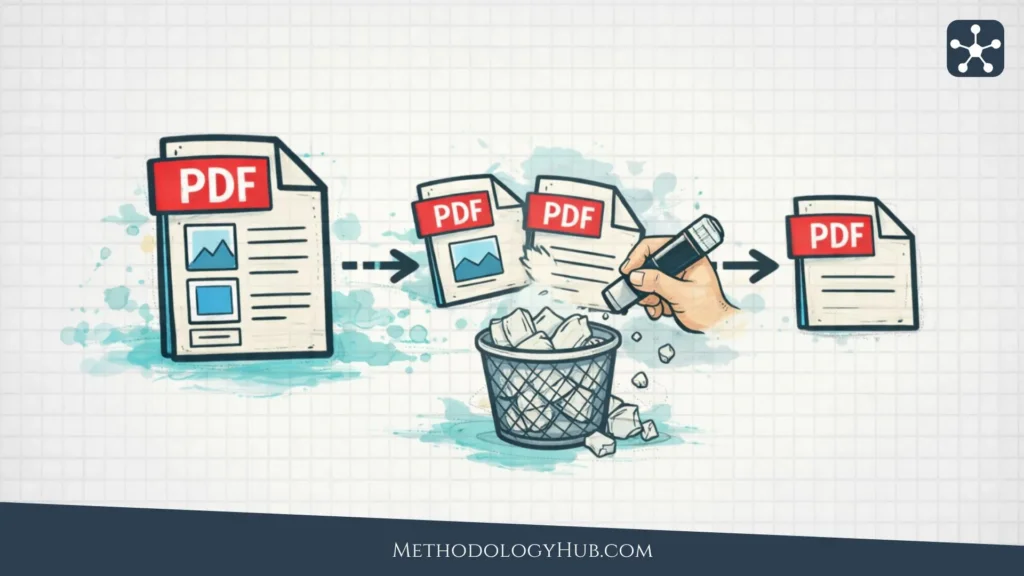
Easily remove pages from PDF files without installing software. Whether you want to clean up a document, remove blank pages, or extract only the important sections, this tool gives you precise control over your final file.
Privacy-friendly PDF Page Removal Tool
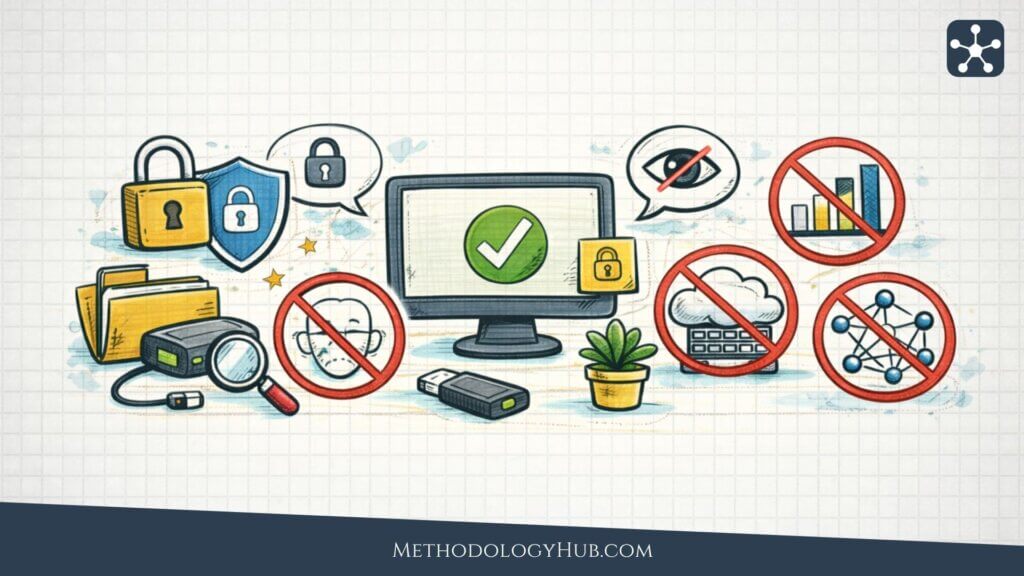
Our PDF page removal tool is built for users who want to compress PDF files without compromising privacy. Your files stay on your device at all times. Nothing is uploaded to servers, and no external services process your data. This ensures complete privacy while you edit and customize your PDFs directly in your browser.
How to remove pages from a PDF
Drag and drop your PDF file, select the pages you want to delete, and generate your updated document instantly. The process is fast and intuitive, letting you refine your PDFs in just a few clicks – no registration or waiting required.
Other PDF editing tools
All these PDF tools run locally in your browser, so your files stay on your device and under your control. No uploads, no AI, no cloud processing, and no unnecessary data collection – just fast, private PDF editing for work, study, and everyday use.
Compress PDF Files
Reduce file size without sacrificing readability. Ideal for emailing documents, uploading files online, or saving storage space.
Merge PDF Files
Combine multiple PDF files into a single document in seconds. Perfect for reports, contracts, applications, and scanned pages.
Split a PDF File
Divide one PDF into smaller files by page range. Useful when you only need to share, store, or review specific sections.
Remove page(s) from a PDF File
Delete unwanted pages quickly and cleanly. Great for removing blank pages, duplicates, or outdated content.
Extract page(s) from a PDF File
Create a new PDF from selected pages only. A simple way to save or send just the pages that matter.