
Merge PDF files online
Merge PDF files into one document with our privacy-focused PDF merger. No registration, no AI processing, no cloud uploads, and no third-party access. Everything runs locally in your browser so you can merge files safely while keeping full control over your data.
Merge PDF files in your browser
Import your PDF files, reorder them per drag and drop, and export one merged PDF. All processing happens on your browser.
Drag & drop PDF files here
or click to choose files from your device
Add two or more PDF files to begin.
Export your merged file
Your merged file will be prepared here automatically after you start the merge from the import page.
Status: Import your PDF files first, then merge them here.
Download merged PDFImport your PDF files first, then merge them here.
About this PDF Merge Tool
Merge PDFs Online
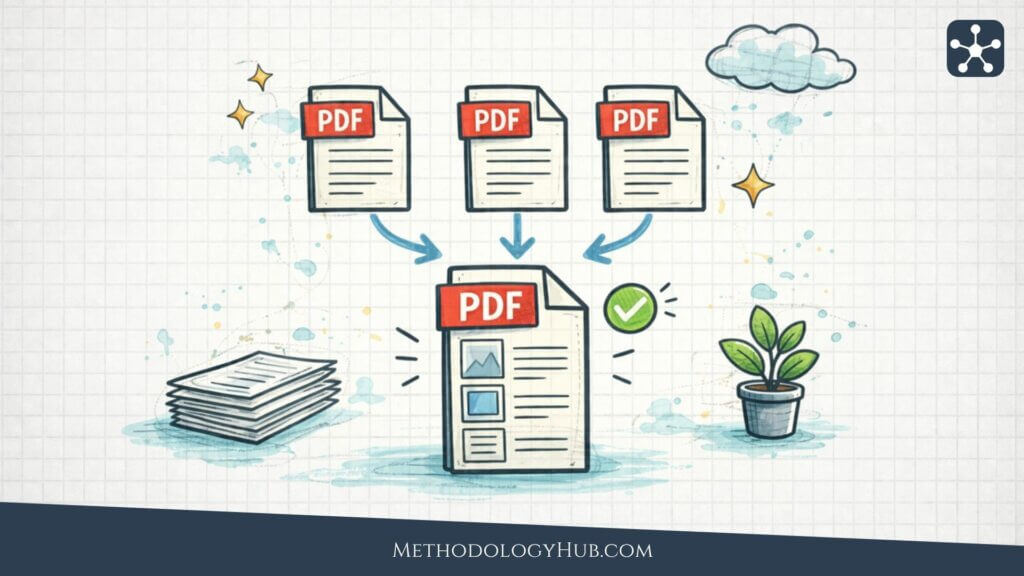
Easily merge PDF files online: The tool works directly in your browser and lets you create organized, unified PDFs in just a few clicks. Perfect for bundling reports, assignments, contracts, or scanned pages into one neat document.
Privacy-first PDF Merger
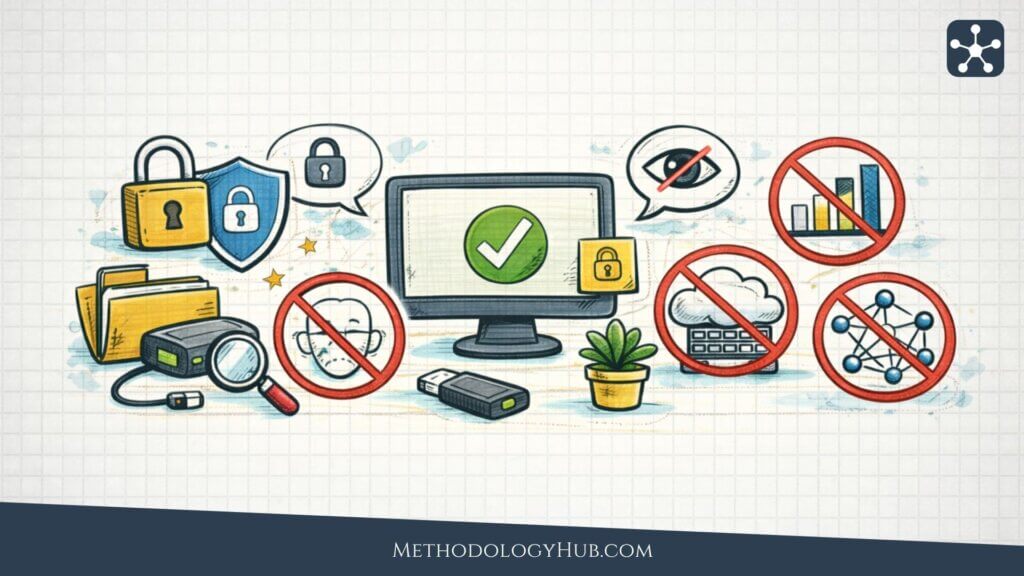
This PDF merger is designed with privacy at its core. Your files never leave your device – there are no uploads, no servers processing your data, and no AI or tracking systems involved. You stay in full control from start to finish, making it a safe choice for both personal and professional use.
How to merge PDF files
Simply add your PDF files to the tool, reorder them as needed, and generate your combined document instantly. The process is quick and intuitive, with everything happening locally in your browser. No accounts, no delays – just a clean way to merge PDFs whenever you need it.
Other PDF editing tools
All these PDF tools run locally in your browser, so your files stay on your device and under your control. No uploads, no AI, no cloud processing, and no unnecessary data collection – just fast, private PDF editing for work, study, and everyday use.
Compress PDF Files
Reduce file size without sacrificing readability. Ideal for emailing documents, uploading files online, or saving storage space.
Merge PDF Files
Combine multiple PDF files into a single document in seconds. Perfect for reports, contracts, applications, and scanned pages.
Split a PDF File
Divide one PDF into smaller files by page range. Useful when you only need to share, store, or review specific sections.
Remove page(s) from a PDF File
Delete unwanted pages quickly and cleanly. Great for removing blank pages, duplicates, or outdated content.
Extract page(s) from a PDF File
Create a new PDF from selected pages only. A simple way to save or send just the pages that matter.